How to convert SOL to BTC without KYC
Want to convert Solana (SOL) to Bitcoin (BTC) without opening an account or submitting ID? This guide explains exactly how to do a fast, private SOL → BTC swap, what to expect with Bitcoin confirmations and fees, and how to reduce on‑chain linkability.
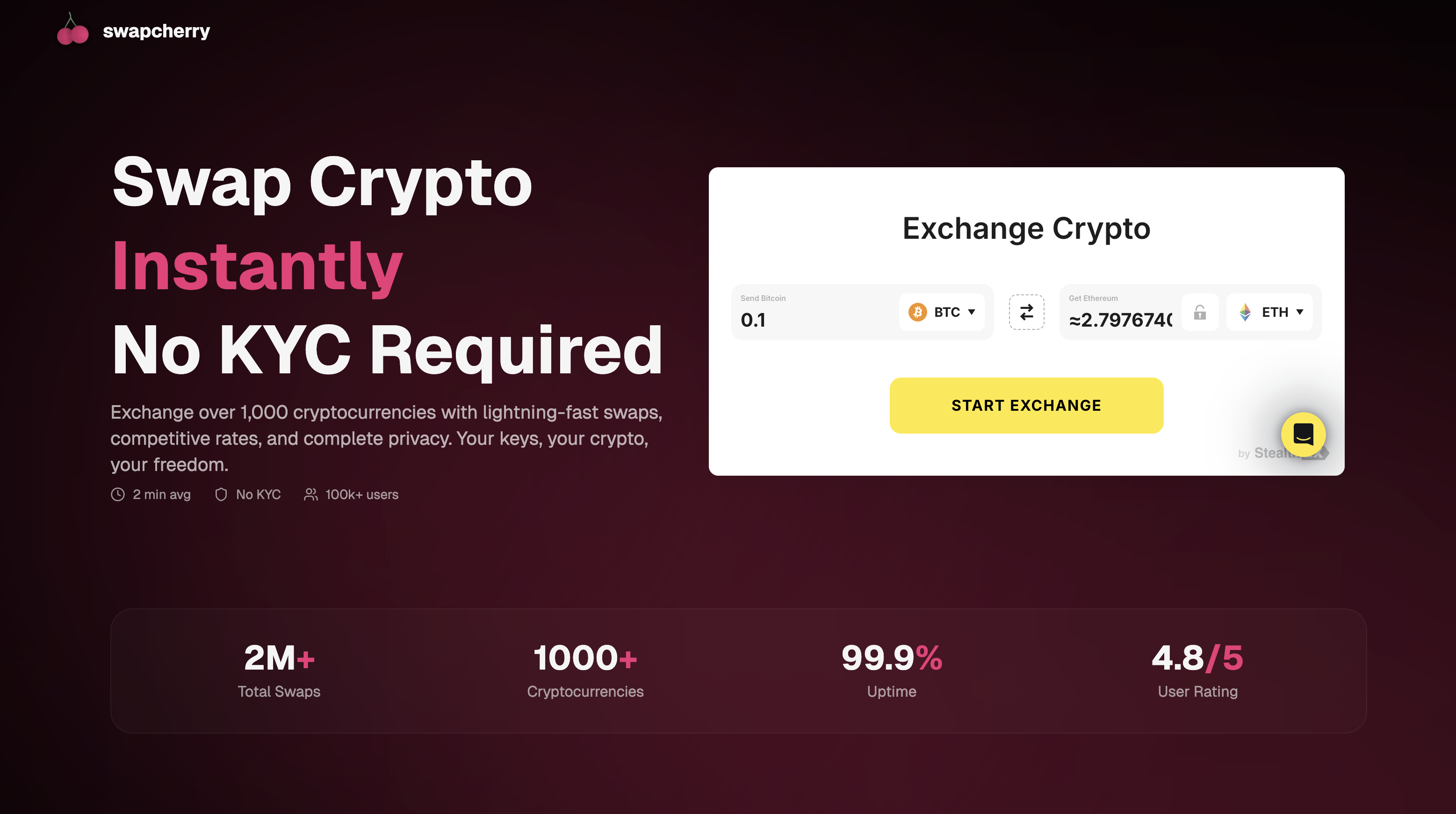 Select
 SOL → BTC, paste your BTC address, review the quote, and send SOL to a one‑time deposit address.
You can convert SOL to Bitcoin (BTC) right here without leaving this page. The live swap widget below lets you paste your BTC address, choose your amount, and complete the exchange instantly. No account needed, no identity verification.


Swap Solana → Bitcoin
Live rate · settles in minutes
TL;DR: Convert SOL to BTC without KYC
- Start instantly—no sign‑up, no documents.
- Send SOL to a one‑time address; receive BTC automatically after confirmations.
- See rate and fees upfront; pick fixed or floating quotes.
- Works with Phantom, Backpack, Solflare, Ledger/Trezor, and popular BTC wallets.
Why choose Swapcherry for SOL → BTC
- No account or KYC: Begin in seconds—no registration, no ID upload.
- Non‑custodial flow: You stay in control until you send SOL.
- Transparent pricing: Live quote shows fees before you commit.
- Fast settlement: Solana confirms quickly; BTC is delivered after network confirmations.
What you’ll need
- A wallet with SOL you can send (Phantom, Backpack, Solflare, Ledger/Trezor)
- Your receiving Bitcoin address (bech32
bc1…preferred; Legacy1…and P2SH3…are also common) - A small SOL buffer for network fees
Tip: Prefer a fresh BTC address for better privacy and compatibility with modern wallets.
How to convert SOL to BTC (step‑by‑step)
- Open Swapcherry and select
SOL → BTC. - Paste your BTC address and choose quote type (fixed or floating).
- Review the quote (rate, fees, expected BTC).
- Confirm to get a one‑time SOL deposit address.
- Send the exact amount of SOL within the time window.
- After confirmations, receive BTC automatically to your wallet.
Bitcoin address types (compatibility and privacy)
Choose an address you control and understand. Common types:
| Type | Prefix | Notes |
|---|---|---|
| Bech32 SegWit (P2WPKH) | bc1 |
Lowest fees, best compatibility with modern wallets, recommended |
| P2SH‑wrapped SegWit | 3 |
Good compatibility with older services |
| Legacy (P2PKH) | 1 |
Highest fees; avoid unless required |
Recommendation: Use bech32 (
bc1…) if your wallet supports it.
Fees, confirmations, and timing (plain‑English)
- Fees: You’ll see service + network fees before sending. Bitcoin miner fees vary with mempool congestion.
- Confirmations: Your payout triggers after the required confirmations on Solana, then BTC is sent to your address. BTC arrival time depends on its own mempool/fee environment.
- Timing: In normal conditions, SOL confirms quickly; the BTC leg completes shortly after it’s broadcast and mined.
Fixed vs floating rate: which to pick?
- Fixed: Locks a rate for a short window. Great when you need a specific BTC amount. Send within the timer; late sends may need a new quote.
- Floating: Executes at market at the time of swap. Fewer timing constraints, but the final BTC amount may vary slightly.
Practical privacy: reduce linkability
- Use a fresh BTC address for each swap; avoid reusing addresses.
- Don’t send directly to a publicly linked address (e.g., an ENS‑doxxed wallet on other chains).
- If moving BTC to an exchange later, that exchange may associate the deposit with your account.
- For large amounts, consider splitting into multiple swaps spaced out over time.
- Keep SOL on hand for fees; failed/partial transactions can create extra on‑chain footprints.
Paying the invoice: exact, partial, overpayments
- Exact amount (best): Send exactly what the quote specifies for the smoothest experience.
- Underpayment: Small deviations may auto‑recalculate; larger ones can pause for manual review or refund.
- Overpayment: Excess may be refunded or adjusted in payout, depending on size and settings.
Provide your transaction hash if support is needed—it speeds up resolution.
Refunds and safety
- Refunds, when applicable, are typically returned on Solana to the originating address.
- Network fees are deducted; extreme volatility or risk signals can affect refund timing.
- Transactions are screened under our AML policy. In rare cases, an order can be paused or refunded. See also our privacy and terms.
Large swaps: best practices
- Start with a small test swap to validate address and timing.
- Split very large amounts across multiple swaps to reduce market and operational risk.
- Avoid peak congestion or major market announcements if timing certainty matters.
Prices
Troubleshooting
- BTC not received yet: Check your SOL transaction confirms; then track the BTC transaction in a block explorer. Mempool congestion can delay mining.
- Wrong amount sent: Contact support with your transaction hash. Small deltas may auto‑recalculate; large ones may require manual handling.
- Wrong address type: Most wallets support
bc1…,3…, and1…. If your wallet rejects the payout, provide a compatible address and start a new order. - Expired quote: Create a fresh quote and resend within the time window.
FAQ
Do I need KYC to swap SOL to BTC?
Not for standard swaps. We enforce AML rules; comply with your local laws.
How long does SOL → BTC take?
Typically shortly after SOL confirmations. BTC arrival depends on its fee environment and when your transaction gets mined.
What’s the cheapest way to swap SOL to BTC?
Use a modern bech32 address (bc1…), pick an appropriate quote type, and send the exact amount within the timer to avoid recalculations.
Can I convert SOL to BTC anonymously?
You can reduce linkability (fresh addresses, split amounts, avoid reuse), but blockchains are public—no solution is perfectly anonymous.
Can I send from an exchange wallet?
Yes, but exchanges sometimes batch or delay broadcasts. A self‑custody wallet offers more control over timing and fees.
Prefer USDT instead of BTC?
If you’d rather receive Tether, follow our step‑by‑step guide to convert SOL to USDT without KYC: Convert SOL to USDT (no KYC) — full guide.
Convert SOL to BTC now
Open the Swapcherry widget, paste your BTC address, and send SOL. We’ll handle the rest—no account, no KYC—so your SOL → BTC trade completes quickly with transparent pricing and clear settlement.